
Most people who find a local business online already know its name. A friend said “try Hashton” or “ring the joiner in Beeston”, and they type the name into Google. What they see in that moment decides whether they click through, ring a competitor, or give up.
I am Harry Ashton. Hashton is a Nottinghamshire web studio. This post is about that one search, the search for your own business name, and what you can actually control about how it looks, including in Google’s AI Mode.
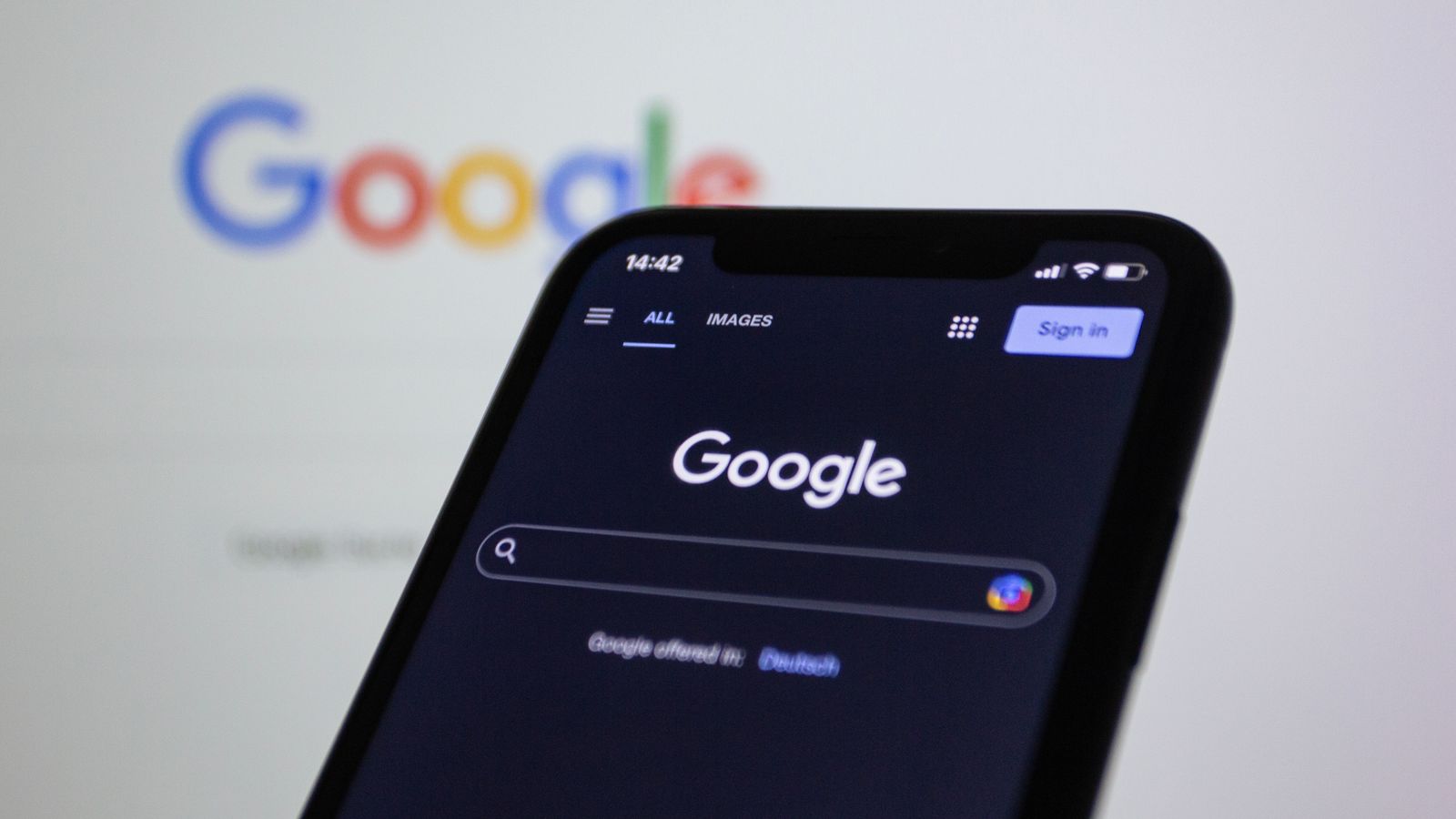
Your name search is often the first thing a referred customer sees. Photo: Bastian Riccardi / Pexels.
What changed this week
On 7 October 2026, Search Engine Watch reported that Google is testing a website panel for brand searches in AI Mode. Instead of going straight to an AI-written answer, a search for a brand name shows a panel first with the site’s title, description, and favicon, followed by sitelinks and a “Show more” option.
It is a test, so it may change or disappear. But every piece of that panel comes from things already on your website: the page title, the meta description, the little icon in the browser tab, and the structure of your pages. None of it needs a new tool or a special file. It needs the basics to be right.
Search your own name first
Before changing anything, look. Open a private browser window and search for your business name, then your business name plus your town. If you can, try it in AI Mode as well as normal results. Write down:
- the title Google shows for your homepage,
- the short description under it,
- whether your own icon appears or a grey globe,
- which of your pages appear as extra links underneath,
- what name Google uses for your site above the title.
If any of those look wrong, out of date, or like a template nobody finished, that is your to-do list.
1. A homepage title that says who you are
Your homepage title is the headline of that panel. “Home” or “Welcome to our website” wastes it. A good homepage title names the business and what it does, in plain words: something like “Your Business Name | Kitchen fitting in Nottingham”. Keep it short enough to read at a glance, and make sure it matches what the page actually says.
If an AI tool or a theme wrote it for you, read it again. I covered why in AI wrote your website copy? Check these before it goes live.
2. A description written for someone who already knows your name
The meta description is the sentence or two under the title. Google does not always use it, but when it does, it is your one chance to say what happens next. Someone searching your name is usually close to getting in touch, so tell them what you do, where, and how to start. Leave out slogans. “Family-run kitchen fitters covering Nottingham and Derby. Free home visit, fixed written quote” is more useful than “Excellence in every detail”.
3. A favicon Google can actually use
The favicon is the small square icon next to your result. Google’s favicon guidelines are short and worth following exactly:
- link it from your homepage with a
<link rel="icon">tag, - make it square, and Google recommends larger than 48 by 48 pixels so it looks sharp on different screens,
- keep the file at a stable address rather than renaming it every update,
- do not block Google from crawling the icon or the homepage,
- make it look like your brand, so people recognise it in a list.
Google also says a favicon is not guaranteed to show even when you follow all of that, and changes can take days or weeks to appear after it recrawls your homepage. A missing icon is still the easiest thing on this list to fix.
4. Sitelinks come from your site structure
The extra links under your result are sitelinks. You cannot pick them. Google’s sitelinks documentation says they are automated and only shown when Google thinks they help. What you can do is make your important pages easy to find:
- give each page a clear, compact title and heading,
- link to your main pages, such as services, about, and contact, from the menu and from other relevant pages,
- use link text that says where the link goes, not “click here”,
- avoid several pages that say almost the same thing.
If a page you do not want people landing on keeps showing up, Google’s advice is to remove it or mark it noindex. That is also a good moment to ask whether the page should exist at all, which I wrote about in if it has no URL, search cannot find it.
5. Tell Google your site’s name
Above the title, Google often shows a site name. Google’s site names documentation explains that it uses several sources for this, including WebSite structured data on your homepage. If your business name is often shortened or written two ways, the markup lets you give an alternate name too. It only takes a few lines, and it should match the name on your sign, your invoices, and your Google Business Profile.
Why this matters more for a small business
A big brand gets recognised even with a messy result. A local business mostly gets searched by people who heard the name once. If the result looks unfinished, uses an old trading name, or shows a sitelink to a page from three years ago, it creates doubt at exactly the wrong moment.
The fixes are small, and they help whichever version of Google the person is using. Ordinary results, AI Overviews, and AI Mode all draw on the same pages.
Questions owners ask me
Do I need special markup or a new file to appear in AI Mode?
Google’s own guidance on AI features says there are no extra requirements to appear in AI Overviews or AI Mode. Your pages need to be indexed and eligible to show with a snippet. Get the basics in this post right and you are doing what Google asks.
Can I choose my sitelinks?
No. Google picks them automatically. Clear page titles, a sensible menu, and good internal links give it better options to choose from.
My favicon shows in the browser but not in Google. Why?
Usually one of three things: the icon is not linked from the homepage itself, Google has not recrawled the homepage yet, or the file is blocked or not square. Check those before redesigning the icon.
How long do changes take to show?
It depends on when Google next crawls your homepage, which can be days or weeks. If you use Search Console, you can ask it to recrawl the homepage with the URL Inspection tool once you have made the changes.
Your name search is the one result you should always win. It is also one of the cheapest things to get right.
East Midlands independents — if you are not sure what Google shows when people search your name, I will look at it with you and tell you what to fix. Start at website design in Nottingham or email contact@hashton.agency.